 Curious Mints
I Locked Myself Out of Ghost (and the One Flag That Got Me Back In)
Fresh Ghost install wanted an email code before email was set up. One flag in config.production.json, staffDeviceVerification false, and I was back in.
I moved this Ghost site from Ghost(Pro) to a self-hosted setup on DigitalOcean Droplet.
The site worked. The admin loaded. I logged in.
Then Ghost stopped me.
“Verify it’s really you. A 6-digit sign-in verification code has been sent to your email.”
Except that email wasn’t set up yet. So I had a running site I couldn’t access.
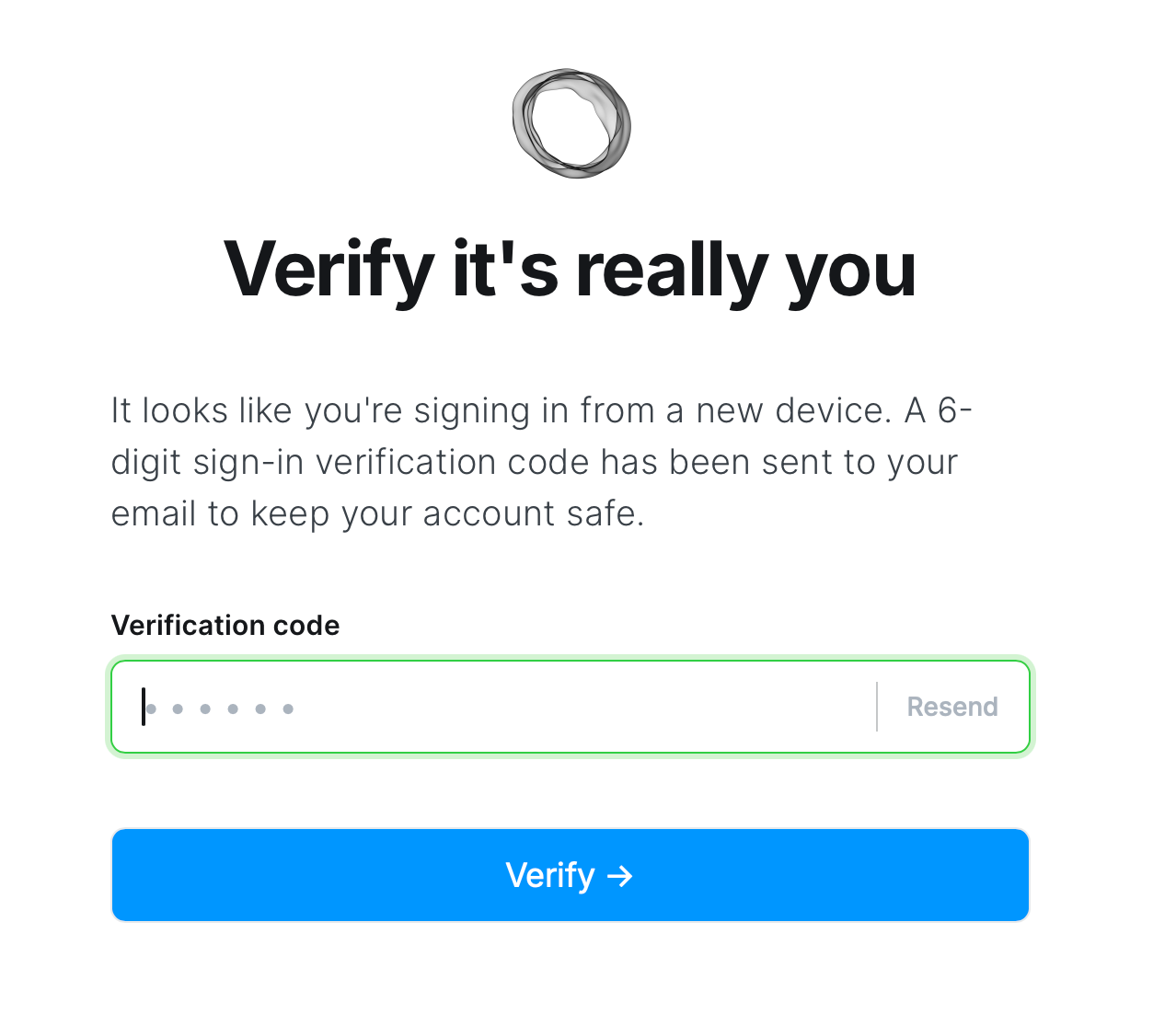
What’s actually happening
Ghost has a security feature called staff device verification.
If you:
- move servers
- change domains
- or log in from a new browser
Ghost treats it as a new device and requires a one-time email code.
On Ghost(Pro), this is invisible.
On a fresh self-hosted install, it’s a lockout.
This has nothing to do with Members.
It’s admin security, and it assumes email works.
The escape hatch
There’s a single config flag that disables this check.
It’s not in the UI. But it exists.
Open:
/var/www/ghost/config.production.jsonAdd or update:
"security": {
  "staffDeviceVerification": false
}
Restart Ghost (via systemd if needed):
sudo systemctl restart ghost_<your-site-name>Then log in at:
https://yourdomain.com/ghostNo email. No code. You’re in.
What to do next
Don’t leave this off.
Once you’re back in:
- Set up email (Mailgun, Postmark, SendGrid, etc.)
- Turn verification back on
- Restart Ghost again
"security": {
  "staffDeviceVerification": true
}
The real lesson (for future me)
Ghost depends on email earlier than you think.
If you’re self-hosting, set up email before moving servers or domains.
And if you forget, now you know the one flag that gets you back in.
The summary at the top was generated by AI.